
This section introduces practical tools for online gambling control and gambling self-exclusion in the United States. If you or a family member struggles with betting urges, a reliable betting app blocker or network filter can make relapse less likely by removing quick access to sites and apps.
We compare device-level solutions like Bet Block for iPhone and Gambling Block for Android with network-level DNS controls such as Control D. Each approach has trade-offs in enforceability, privacy, and ease of use. Understanding these differences helps you choose the right mix to block betting sites across phones, tablets, and home networks.
Later sections cover key features—tamper resistance, privacy posture, and custom blocklists—and offer setup tips to maximize lasting protection. This guide focuses on actionable options to block betting sites and regain control over online gambling behavior.
Why gambling blocking apps matter for recovery and digital wellbeing
Gambling in the United States has shifted from casinos and racetracks to phones and smart devices. The rise of casino-style apps and discreet betting platforms has made wagering a few taps away. This change has widened the reach of gambling addiction US and placed new burdens on people in recovery, families, and employers.
Easy mobile gambling access raises temptation throughout the day. Apps, in-app webviews, and push notifications can present betting content at moments of stress or boredom. That constant exposure increases gambling relapse risk, especially for people who rely on willpower or browser-only controls.
Technical self-exclusion tools offer practical layers of protection that pair well with clinical care and peer support. Device-level blockers like Bet Block for iPhone and Gambling Block for Android remove instant access to wagering apps. Network filters such as Control D stop gambling domains across phones, laptops, smart TVs, and consoles.
The self-exclusion benefits extend beyond immediate blocking. Tamper-resistant features — PIN locks, device administrator permissions, and uninstall guidance — reduce impulsive bypass attempts. These safeguards help people focus on therapy sessions, Alcoholics Anonymous-style peer groups, or counseling with a licensed clinician.
For families and workplaces, layered defenses matter. Combining app-based blocking with DNS-level filtering closes gaps that single-tool approaches leave open. This combined strategy lowers gambling relapse risk and creates a safer environment while individuals pursue long-term recovery.
Types of blockers: apps, DNS filters, and network-level tools
Choosing the right blocker starts with understanding how each approach works and where it fits. Some tools run on a single phone or tablet. Others act at the network level to protect every device in a home, school, or office. Below are practical options to consider.
App-based blockers run directly on iPhones and Android phones. On iOS, apps like Bet Block use Safari Content Blocking and local filtering to stop gambling sites inside the browser without sending traffic to a remote server. These apps often offer PIN protection and uninstall guidance to reduce accidental removal.
On Android, examples such as Gambling Block use a local VPN to reroute and block traffic systemwide. They may pair that with Accessibility Services to detect gambling content on screen and Device Administrator permissions to make uninstalling harder. App-level tools let individuals apply strict rules on their own devices while keeping most processing local for privacy.
DNS filters intercept domain lookups before a page loads. Managed resolvers like Control D block categories labeled as gambling, preventing dozens or thousands of domains used by betting platforms from resolving. DNS filters work across phones, laptops, smart TVs, and game consoles when the device uses the protected DNS.
Many providers offer encrypted DNS over DoH or DoT and can block VPNs and proxies that try to bypass filtering. DNS-level blocking is often harder for end users to defeat than browser add-ons or single-app solutions. Administrators can apply per-device rules or provide network DNS addresses for easy setup.
Router and enterprise options scale protection to entire networks. Applying a managed resolver at the router level ensures every connected device inherits the same blocklist. Router parental controls and one-click setup utilities let families deploy network-level blocking without configuring each device.
Schools, workplaces, and IT teams gain more control with profile management, schedule-based rules, and analytics. Enterprise solutions support custom blocklists, profile locks, and reporting to enforce policies across many endpoints. Choosing network-level blocking is often the most efficient way to protect mixed-device homes and shared environments.
Key features to look for in gambling blocking apps
Choosing the right tool begins with understanding core capabilities. Look for apps and services that combine effective blocking methods, strong tamper resistance, clear privacy practices, and flexible controls such as a custom blocklist. These features shape how well a solution stops access across browsers, apps, and network connections.
Effective blocking can come from content blockers, local VPNs, or DNS interception. Content blockers work well on Safari and some browsers. Local VPNs on Android enforce rules on the device without routing traffic through external servers. DNS interception at the router or resolver level prevents domains from resolving, protecting apps and webviews at the network layer.
Tamper resistance
Strong enforcement matters for lasting protection. Features such as PIN-protected settings, device administrator permissions on Android, and profile locks for household dashboards make casual disabling harder. Look for uninstall protection and guidance that keeps blocks in place when urges rise.
Privacy and data practices
Privacy gambling apps vary in how they handle traffic and logs. Local-only blockers keep filtering on your device and avoid sending user traffic to third parties. Some network services offer encrypted DNS and optional analytics; check whether the product logs blocked domains or usage. Pick a tool that matches your privacy comfort level.
Custom blocklists and updates
Being able to add domains or apps gives users precise control. A reliable app supports a custom blocklist and receives regular updates to cover new gambling sites and apps. Automatic category updates and quick rule changes reduce gaps in coverage and keep protections current.
- Look for the best features gambling blocker tools offer: multiple blocking methods and frequent updates.
- Confirm tamper resistant blocker capabilities like PINs and device admin controls.
- Evaluate privacy gambling apps for local-only operation or clear logging policies.
- Choose solutions that allow a custom blocklist and instant additions when needed.
Top app example: Bet Block (iPhone) — strengths and limitations
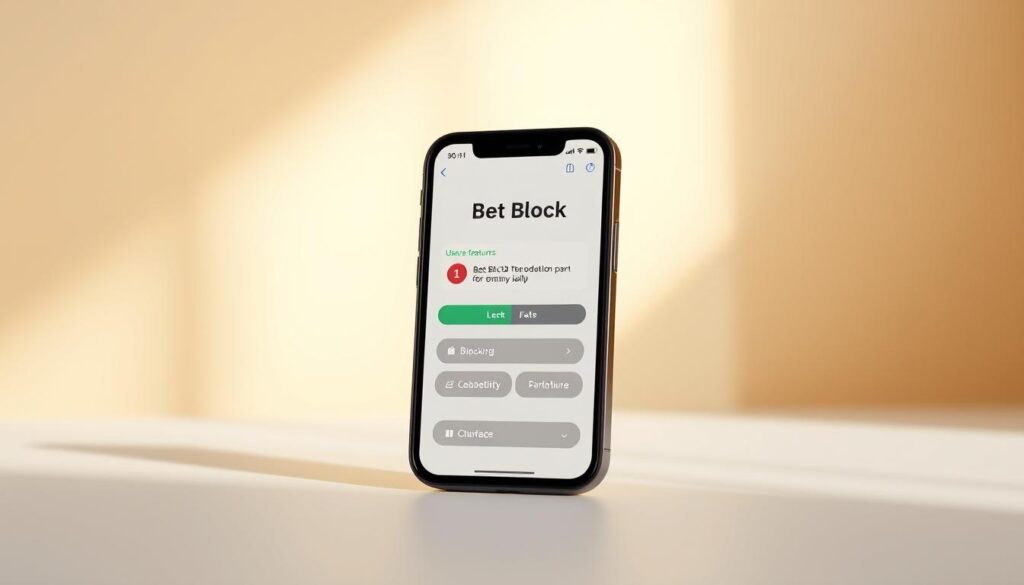
Bet Block has become a popular choice for iPhone users who want a focused tool to curb online gambling. The app centers on Safari blocking and simple daily nudges to support habit change without complex setup.
How it blocks Safari content
Bet Block iPhone uses Apple’s Safari Content Blocking API to stop known gambling sites from loading in Safari. The app applies a double-layer, system-level approach that improves reliability for pages served through Safari.
Blocking behavior and updates
Users can add custom sites for immediate blocking while the default blocklist updates periodically from the developer’s server. That mix of local control and curated lists helps keep harmful domains off the phone quickly.
Privacy posture
The developer states that settings remain on device and no personal data is collected. Bet Block privacy is emphasized in the app and its policy, with local-only configuration for the blocking engine.
Protection features
- PIN-protected settings to prevent tampering.
- Uninstall guidance that explains how to keep protections in place.
- Motivational notifications and streak tracking to reinforce progress.
Compatibility and requirements
The app requires iOS 16.6 or later and notes compatibility with macOS and Apple Vision where applicable. As an iOS gambling blocker, it focuses on Safari and Apple platforms rather than cross-platform app blocking.
Limitations and maintenance
Bet Block is iOS-only and will not block content inside non-Safari webviews or native gambling apps. Some advanced options require a subscription or in-app purchase. Users should expect occasional updates to address bugs and improve the blocklist.
Top app example: Gambling Block (Android) — strengths and limitations
Gambling Block for Android positions itself as a focused tool for people who want fast, reliable self-exclusion on mobile devices. The app combines a one-click setup with ongoing protections that aim to stop betting sites and casino apps at the device level. It is marketed as an Android gambling blocker designed for everyday users and those in recovery.
One-click self-exclusion and local VPN-based blocking
The core feature is a single action that activates site and app blocking across hundreds of gambling domains. Behind the scenes the app runs as a local VPN gambling blocker. The VPN reroutes traffic locally to filter requests without changing your visible IP address or sending data to third parties.
Use of Accessibility Services to auto-detect gambling content
Gambling Block uses Android Accessibility Services to identify gambling content shown on screen. When it detects betting interfaces, promotional banners, or casino app content, it blocks the view or closes the offending element. This accessibility gambling block lets the app act beyond URL filtering and handle in-app offers that plain DNS filters miss.
Device Administrator permission for uninstall protection
To reduce tampering the app requests Device Administrator rights. That permission makes accidental or casual uninstallation harder while protection is active. Users who need a reset must follow defined steps, which raises the bar for impulsive disabling of controls.
Privacy posture: no collection or sharing of user traffic
Gambling Block states it does not collect, store, or share personal browsing traffic. The local VPN exists solely for blocking, not for logging or analytics. The vendor offers regular updates to add new domains and counter evasive operators, and a subscription unlocks full feature access and support.
For an independent view of blocking performance read findings from GambleAware that evaluate several packages, including gambling-specific tools like this one: blocking software evaluation report.
Use cases include people seeking immediate barriers on Android, households with mixed-device setups, and clinicians advising clients on layered self-exclusion. When combined with therapy and support groups the Android gambling blocker can reduce easy access and help maintain recovery goals.
Network-level solution: Control D and DNS filtering for broad protection
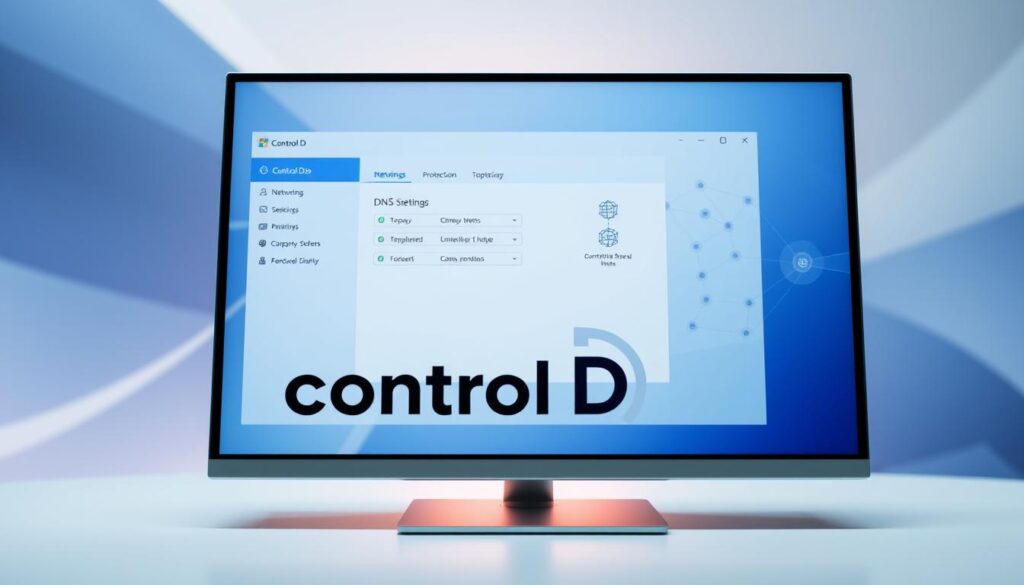
A network-level approach blocks gambling before pages load. Control D DNS acts at the DNS layer to stop domain resolution for known gambling sites. This reduces exposure across devices and makes enforcement easier for households and small networks.
How DNS blocking prevents access
When a device asks the internet to resolve a domain name, the DNS answer can be set to refuse or sinkhole gambling domains. Using Control D DNS, administrators enable a DNS gambling block category so requests for betting sites fail to resolve. The site never loads, even inside embedded webviews.
Cross-device coverage and deployment options
DNS filtering covers phones, laptops, smart TVs, and game consoles without installing apps on each device. Control D supplies IPv4/IPv6 addresses and DoH/DoT/DoQ hostnames, making it flexible for routers and individual device settings.
Profiles, schedules, and profile locks
- Create profiles such as “No Gambling” and enable the gambling filter for that group.
- Use schedule-based blocking to limit access at specific times of day.
- Apply profile locks so changes require dashboard access, supporting family network gambling control.
Advantages and bypass considerations
A network-level gambling filter is more enforceable than browser extensions or app-only blockers. It can block wide domain lists and offer analytics, weekly reports, and domain testing. Control D DNS can also detect and limit common tunneling tools when configured to monitor VPN and proxy usage.
Potential bypass methods and mitigations
Users might try alternate DNS resolvers, VPNs, or encrypted DNS tunnels to evade a DNS gambling block. Mitigations include blocking known tunneling apps at the router, using firewall rules, and pairing DNS filtering with device-level controls for layered protection.
How to choose the right tool for your needs in the United States
Picking the right solution depends on the gadgets you use and the level of control you want. Think about phones, tablets, smart TVs, and gaming consoles before you commit. A clear plan makes setup easier and keeps protection running long term.
Assessing device mix
- iPhone users benefit from Safari content blockers and apps that extend system protections. Bet Block works well for Safari and offers extra safeguards for iOS.
- Android devices gain stronger enforcement with local VPN-based apps that block apps and browsers at the device level. Gambling Block is designed for that approach.
- Homes with smart TVs, consoles, or mixed devices should consider DNS-level options like Control D to cover every device on the network.
Balancing enforceability and convenience
- Content blockers are easy to set up and low friction for daily use, but they may only guard browsers.
- Local VPN-based tools enforce blocks across apps and browsers on a device without sending traffic to third parties.
- DNS resolvers protect all devices on a network and are harder for nontechnical users to bypass. Enabling VPN/proxy blocking raises the barrier to circumvention.
Cost considerations
- Compare free tiers and subscriptions when you research apps. Some providers offer useful free features; others gate key protections behind paid plans.
- Decide between one-time purchases and ongoing subscriptions. Subscriptions often cover frequent blocklist updates and live support.
- When you evaluate cost gambling apps, factor in family needs, multiple devices, and any add‑on services like analytics or profile locks.
Support and updates
- Active blocklist maintenance matters because gambling sites rotate domains quickly. Choose products that push regular updates and respond to new threats.
- Check privacy practices before you install. Some tools block locally and keep nothing; others log metadata for reporting and support.
- When you compare gambling blockers, prioritize vendors with clear support channels, a steady update cadence, and transparent privacy policies.
Practical setup tips and best practices for lasting protection
Start by taking an honest inventory of devices you use to gamble and choose the right tools. For iPhone Safari protection, set up gambling blocker with Bet Block; for Android, install Gambling Block for device-level enforcement; for whole-home coverage, configure Control D as a DNS filter. This initial assessment makes gambling self-exclusion setup practical and focused.
Use tamper-resistant settings and test blocks immediately. Enable PIN protection in Bet Block, grant Device Administrator when appropriate on Android, and turn on Profile Lock and scheduled enforcement in Control D. Add custom domains and verify each block—Bet Block and Control D provide instant tests and status pages so you can confirm that a domain is blocked.
Layer defenses and maintain them. Combine device apps with network blocking tips like DNS filtering to cover browsers, native apps, and smart TVs. Keep apps and blocklists updated; Bet Block and Gambling Block push regular updates while Control D updates category lists in real time. Prefer local-only blocking where possible and confirm any logging policy when using network services to protect privacy.
Plan for bypass attempts and ongoing verification. Enable VPN/proxy blocking in DNS tools, educate household members, and use account-level locks to prevent casual removal. After setup, test known gambling domains, use Control D status and scheduled reports, or rely on Bet Block’s motivational notifications and streak tracking to help prevent gambling relapse online. Pair technical measures with counseling and state self-exclusion programs for the best long-term results.